
.webp?width=158&height=85&name=New-logo-Ourgreen%20(1).webp)

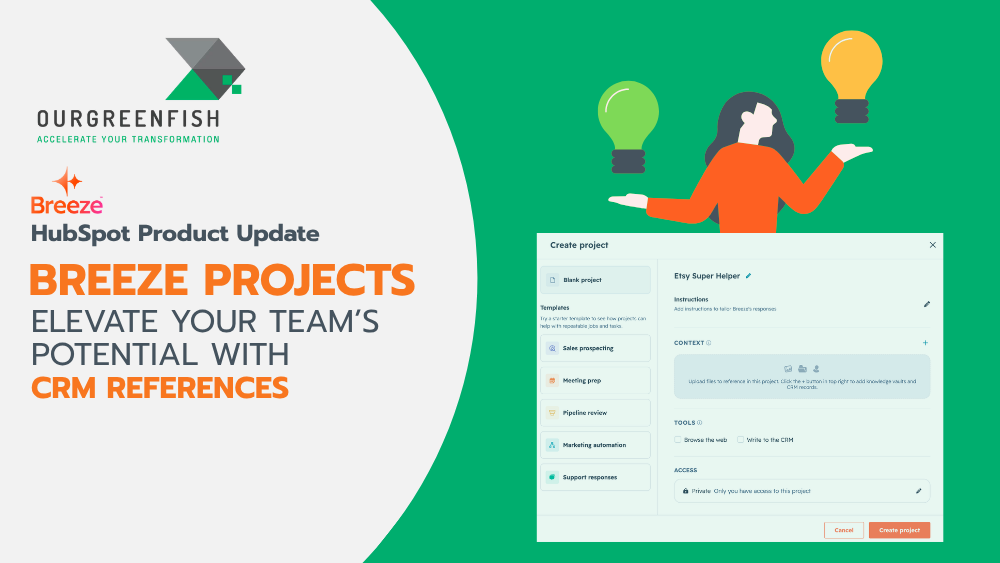
For business owners and team leaders seeking ways to save time and boost efficiency, you are likely familiar with the frustration of constantly repeating project context to your team—or even to your AI Assistant. That inefficiency is now a thing of the past with the latest update from HubSpot: the redesigned Breeze Projects.
This update transforms how you and your team manage daily workflows. Here is a deep dive into the updated workspace and its standout feature: CRM References.

What is it?
Breeze Projects is a redesigned workspace built to keep your work clean, organized, and powerful. It serves as a dedicated workspace where you can upload files directly and tag CRM References using @mentions.
Breeze also features built-in tools that allow it to search the web for live information and write directly back into your CRM. Crucially, Breeze retains this context across every thread within a project, ending the need to repeatedly explain background details.
Why does it matter?
Previously, project context lived inside your head or was scattered across various chat windows. Every time you opened a new thread, you spent valuable minutes re-explaining background information. For business owners, time is the ultimate asset.
Now, every project possesses its own dedicated memory. Uploaded files and linked CRM References remain permanently attached to the project workspace. Breeze automatically possesses the necessary background before you even ask a question.
When you enable built-in tools, Breeze goes beyond simply understanding context—it acts on it. It pulls live web data and updates your records directly, allowing complete tasks to finish entirely within the conversation window.
Deep Dive: The Power of CRM References The true game-changer for business operations is CRM References. Standard AI models often generate generic answers because they lack internal context about your specific business and clients. CRM References solves this gap.

By typing @ inside a project thread, you can instantly link specific Contacts, Companies, Deals, or Tickets. When drafting a sales strategy or preparing an outreach email, Breeze accesses the exact history, previous touchpoints, and specific requirements tied to that record. This delivers precise, grounded, and highly relevant outputs without AI hallucination.
How does it work?
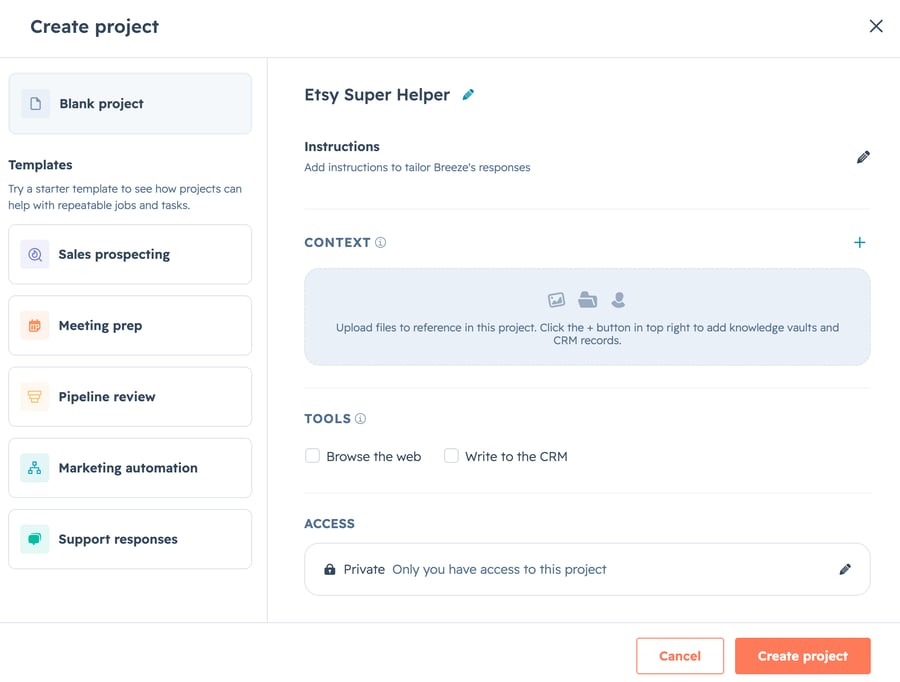
You can set up a workspace in a few simple steps:
- Access Breeze Projects: Open Breeze Assistant, click the Projects folder icon in the sidebar, and select New Project.
- Attach Context Files: Upload PDFs, documents, spreadsheets, or images directly into the project. Once attached, Breeze references them across every thread.
- Use CRM References: Type @ to select and link specific Contacts, Companies, Deals, or Tickets as guided references for more precise answers.
- Enable Built-in Tools:
- Search the Web: Allows Breeze to fetch live external data from outside HubSpot.
- Write to the CRM: Authorizes Breeze to create or update records (such as logging notes or updating properties) directly from your chat commands.

Who gets it? This feature is available across all hubs and tiers. Whether you are running a growing startup or managing an enterprise-level team, you can immediately utilize the power of Breeze Projects and CRM References.
References:
- HubSpot. (2026). Create and manage Breeze projects. Retrieved from https://knowledge.hubspot.com/ai/create-and-manage-breeze-projects
- HubSpot. (2026). Product Updates: Breeze Projects. Retrieved from https://app.hubspot.com/l/product-updates/?rollout=320926
Read more articles: HubSpot Product Update: Customize your bookmarks for convenience and time saving (HubSpot Product Update: จัดลำดับ Bookmarks เอง สะดวกและประหยัดเวลา)

Contact us
Tel : 024-609-599
E-mail : contact@ourgreen.co.th
Website : ourgreenfish.com












No Comments