.webp?width=158&height=85&name=New-logo-Ourgreen%20(1).webp)

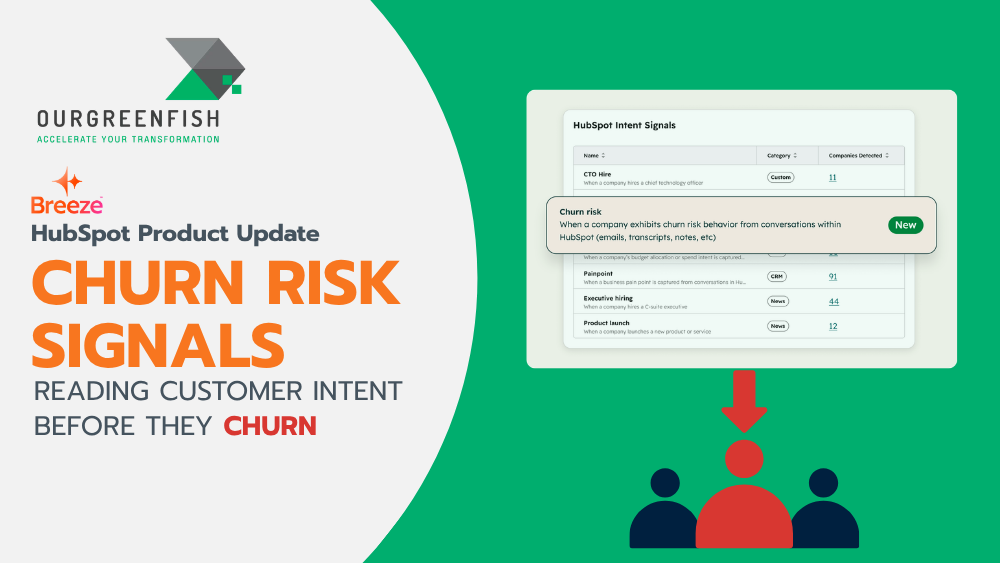
For business owners, acquiring new customers is hard, but keeping them around for the long haul is often even more challenging. Have you ever experienced this? A customer who seems to be using your product or service normally suddenly sends an email asking to cancel their contract, leaving your team completely blindsided.
These unpleasant surprises can be eliminated if you can "read the room" and spot warning signs before the customer actually walks away. Today, I want to dive deep into a highly valuable, yet rarely discussed new feature designed specifically to solve this problem: Churn Risk Signals, a new buyer intent detection system that will become your right-hand tool for customer retention.
What are Churn Risk Signals?
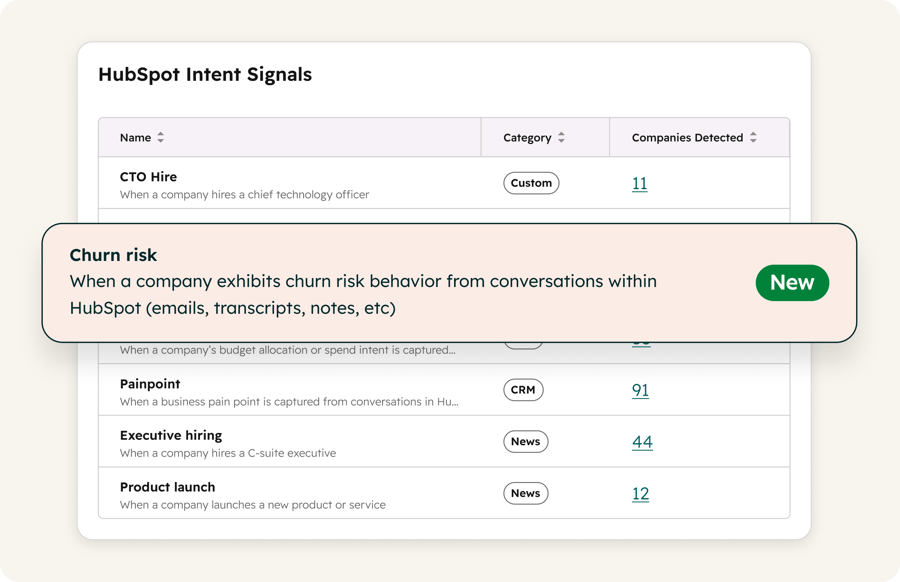
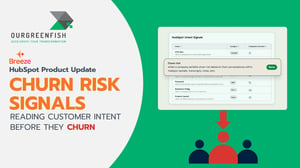
Churn Risk Signals is a brand-new Buyer Intent feature in HubSpot. Unlike traditional intent data built for generating new pipelines, this feature is built explicitly for existing customers.
The system works smartly by monitoring and analyzing data across the various channels where you communicate with your customers. It scans your tracked company's HubSpot conversations, emails, calls, transcripts, and notes.
The signal "fires" the moment it detects behavioral patterns indicating that the relationship is at risk. It primarily looks for these 4 key indicators:
- Escalating tone: Frustration or dissatisfaction becoming increasingly evident in their voice or text.
- Recurring unresolved issues: Customers reaching out repeatedly about the same persistent problems that haven't been fixed.
- Cancellation language: Dropping hints or explicit words about canceling contracts, closing accounts, or asking for refunds.
- Budget pressure: Conversations expressing concerns about pricing, ROI, or impending budget cuts.

Why does it matter for Business Owners?
From an executive or founder's perspective, having Churn Risk Signals isn't just about adding a new tech feature; it's about plugging revenue leakage. Here is why you need to pay attention to it:
1. Act before the conversation goes sideways
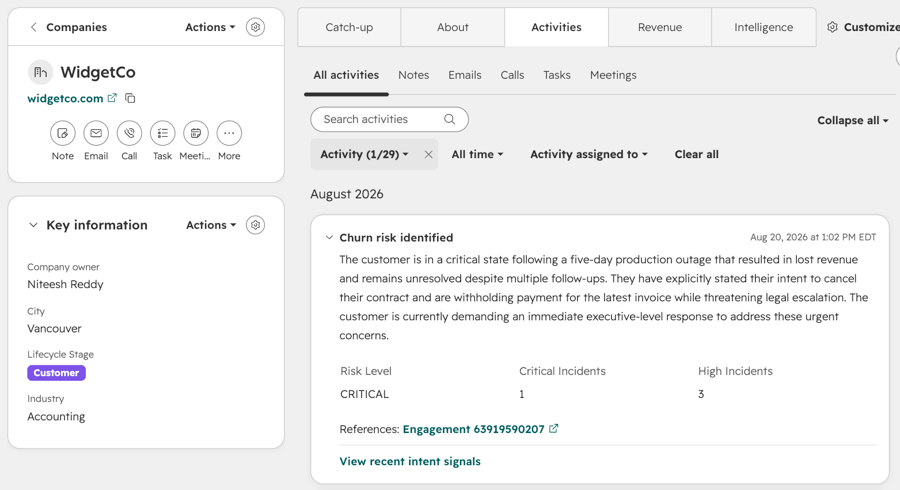
The biggest advantage is that this signal fires at the company level as soon as conversation patterns shift negatively. This buys your team crucial "time" to reach out, understand the situation, and offer solutions while there is still room to maneuver. Simply put, it shifts your retention strategy from reactive to proactive.
2. Walk in with specifics (No more guessing)
When Account Executives (AEs) or Customer Success Managers (CSMs) need to call an unhappy client, the scariest part is going in blind. Churn Risk explicitly shows you the contributing conversations and identifies the most at-risk contact right alongside the signal. Your team will know exactly what triggered the alert before they even pick up the phone.
3. Apply your existing automations to retention
For businesses that already rely on automation, you don't need to reinvent the wheel. The exact same workflows, segmentations, and automations you’ve built for customer acquisition will work here, too. Churn Risk plugs into them directly to power your retention efforts.
How does it work?
The setup is incredibly user-friendly. You can access Churn Risk in Buyer Intent via the Signals tab. From there, you can:
- Toggle it on/off: Easily manage Churn Risk from "My Signals."
- Clear Timeline Visibility: See Churn Risk events directly on tracked company timelines, complete with citations of the contributing conversations.
- Easy Filtering: Filter the Signals tab to isolate companies showing recent Churn Risk activity.
- Use as a Workflow Trigger (Great for Automation!): You can use Churn Risk as a trigger to automatically route a ticket to a CSM, create a task, or send an internal alert.
- Identify High-Risk Accounts: Add Churn Risk to your segments to instantly list your highest-risk accounts.
- In-depth Reporting: Pull Churn Risk data into your reporting dashboards to isolate and analyze at-risk customer cohorts.
The Bottom Line: Churn Risk runs completely on the conversation data you already have stored in HubSpot (emails, calls, transcripts, notes). No new setup is required. If you’re already tracking a company for intent signals, Churn Risk will seamlessly begin firing as soon as these negative patterns emerge.

Who gets it?
This feature is available to all HubSpot customers who have HubSpot credits.
For any business, retaining an existing customer is significantly more cost-effective than acquiring a new one. Implementing Churn Risk Signals is like installing an early-warning radar for approaching storms. It keeps your business prepared, allows you to address customer pain points accurately, and ultimately drives sustainable growth.
References:
- HubSpot. (2026). Product Updates: Churn Risk Signals in Buyer Intent. Retrieved from https://app.hubspot.com/l/product-updates/?rollout=322970
- HubSpot. (2026). Knowledge Base: Use intent signals. Retrieved from https://knowledge.hubspot.com/use-intent-signals?hs_preview=eYVgJYmR-194898744913
Read more articles: HubSpot Product Update: Customize your bookmarks for convenience and time saving (HubSpot Product Update: จัดลำดับ Bookmarks เอง สะดวกและประหยัดเวลา)

Contact us
Tel : 024-609-599
E-mail : contact@ourgreen.co.th
Website : ourgreenfish.com









No Comments