.webp?width=158&height=85&name=New-logo-Ourgreen%20(1).webp)

In recent years, businesses have pivoted toward CRM Automation with increasing urgency. Digital customer management is no longer just about storing data; it’s about transforming that data into actionable business opportunities.
However, many business owners still have lingering questions: Do I need extra tools? How do I migrate data safely? How do I actually measure success?
Here are the essential answers to the most common questions regarding CRM Automation.
1. If my CRM already has Workflows, do I still need separate Marketing Automation?
This is a top-tier question for those starting their automation journey. Historically, CRM and Marketing Automation were distinct tools:
- CRM: Focused on data storage and sales pipeline management.
- Marketing Automation: Focused on email marketing and lead nurturing.
Today, modern "Smart CRMs" have merged these capabilities. Many platforms now offer built-in features such as:
- Automated email sequences
- Lead nurturing workflows
- Advanced segmentation
- Marketing campaign tracking
The Verdict: If your CRM handles these tasks natively, you likely don't need a separate system. Consolidating into a single platform reduces complexity and ensures your entire team works from a "single source of truth."

2. How can I migrate data from multiple systems without losing anything?
The fear of data loss is a major hurdle. Most organizations have data scattered across spreadsheets, email tools, and legacy CRMs.
The key is Data Mapping. Follow these essential steps:
- Export: Pull all data (Contacts, Companies, Deals, Activities) from existing sources.
- Cleanse: Identify duplicates and incomplete records.
- Structure: Define your new CRM fields—decide which to keep, merge, or delete.
Pro Tip: Always perform a "Pilot Import" with a small data set first. Verify the results, then migrate the rest in stages. Always keep a backup of your original files until the new system is fully verified.
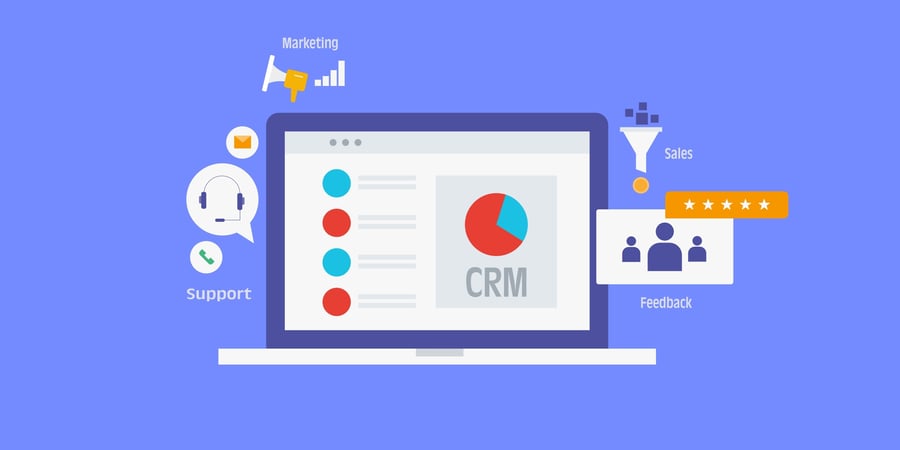
3. How do I measure the success of CRM Automation?
Many businesses mistakenly measure "activity" (e.g., number of emails sent) instead of Business Outcomes. To see the real impact, track these metrics:
- Lead Response Time: How much faster are we engaging prospects?
- Conversion Rate: Are more leads turning into customers?
- Pipeline Velocity: How fast are deals moving through the stages?
- Customer Satisfaction (CSAT/NPS): Is the automated experience better for the client?
- Ticket Resolution Time: For service teams, how quickly are issues closed?
The ultimate KPI? Time saved on admin. If your sales team spends less time on manual entry and more time closing deals, your automation is working.

4. How do I "future-proof" my automation as my business grows?
As businesses scale, systems change—fields are renamed, new integrations are added, and data structures evolve. This can "break" existing workflows.
To prevent an automation collapse, follow these four rules:
- Document Everything: Maintain a record of what each workflow does and who owns it.
- Standardize Naming Conventions: Use clear, consistent names for fields and triggers.
- Quarterly Audits: Review your workflows every three months to ensure they still align with business goals.
- Centralize in the CRM: Minimize reliance on too many third-party integrations; try to keep core processes inside the CRM.

5. Is CRM Automation viable for small businesses?
Absolutely. The best approach is to "Start Small, Scale Gradually." Begin with workflows that directly impact revenue, such as:
- Lead Routing (assigning leads to the right person instantly).
- Automated Follow-ups.
- Basic Lead Nurturing.
Modern platforms, like HubSpot’s Smart CRM, are designed to let you layer automation onto your existing database. As you grow, you can unlock more advanced features for Marketing, Customer Service, and Analytics.

CRM Automation is the engine of a modern business. By starting with revenue-driving workflows and focusing on clean data migration, you can eliminate manual drudgery and provide a superior customer experience.
Reference: HubSpot. (2026). CRM tools with automation: Our top picks for 2025. Retrieved from https://blog.hubspot.com/sales/crm-automation-for-sales
Read more articles : What is CRM and what are its benefits for business? (การทำ CRM คือ อะไร มีประโยชน์อย่างไรในการทำธุรกิจ)

Contact us
Tel : 024-609-599
E-mail : contact@ourgreen.co.th
Website : ourgreenfish.com




No Comments